
Key takeaways
- Written by the official Xtreme HD IPTV team at xtrmehdiptv.to
- Free 24-hour trial available — test before you buy
- 24/7 WhatsApp support: +447878798344
- 20,000+ live channels · USA, UK & Canada optimized
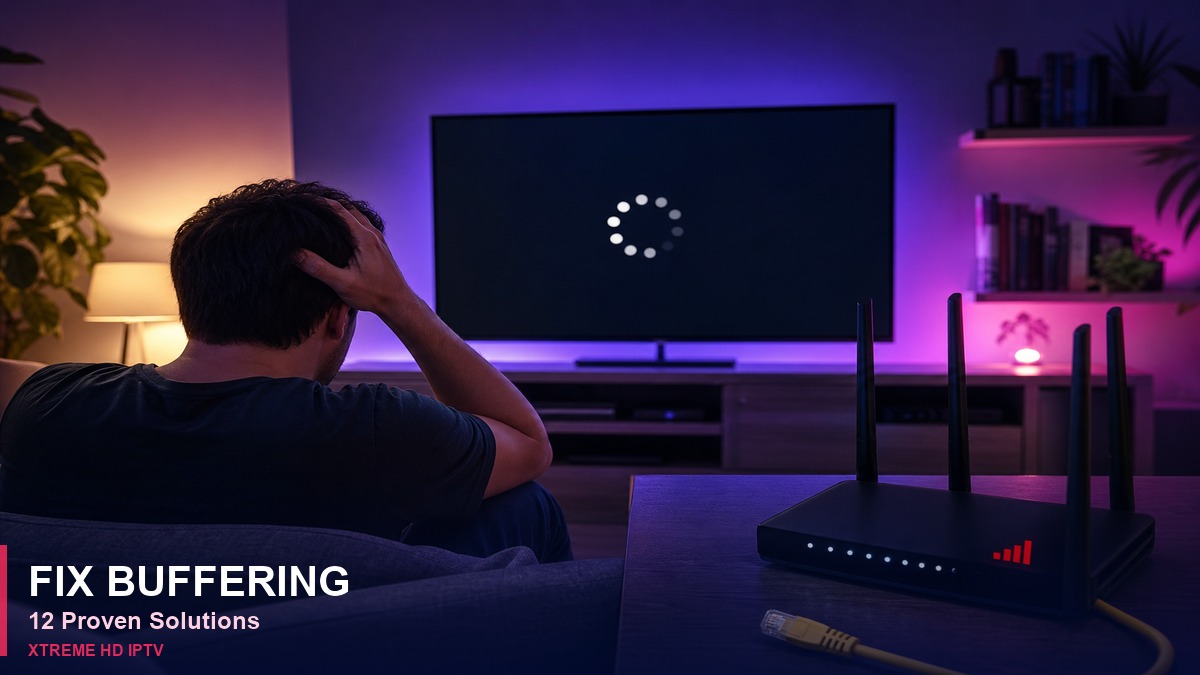
Buffering during live sports is frustrating. These 12 proven fixes work for Xtreme HD IPTV subscribers in the USA, UK, and Canada — tested on Firestick, Android TV, and Smart TVs in 2026.
Why IPTV buffers
Common causes: slow Wi-Fi, ISP throttling during peak hours, outdated player app, overloaded home network, or wrong stream quality setting. Most issues are fixable in under 10 minutes without changing your subscription.
12 fixes that actually work
- Use wired Ethernet — A $15 Firestick Ethernet adapter beats any Wi-Fi tweak for live NFL, Premier League, or UFC.
- Close background apps — On Firestick: Settings → Applications → Manage Installed Applications → force stop unused apps.
- Match quality to speed — HD needs 15 Mbps; 4K needs 25+ Mbps. Run a speed test at fast.com.
- Use 5 GHz Wi-Fi — 2.4 GHz causes stutter on HD streams. Move router closer or use a mesh node.
- Change DNS to 1.1.1.1 or 8.8.8.8 — Some ISPs slow default DNS routes to streaming servers.
- Update IPTV Smarters or TiviMate — Outdated APKs cause decoder errors and freezes.
- Clear app cache weekly — Firestick: Settings → Applications → your IPTV app → Clear cache.
- Adjust player buffer — Set buffer to 5–10 seconds in Smarters for smoother live TV.
- Test without VPN first — Some VPNs add latency. If ISP throttles, use a fast US/UK VPN server.
- Restart router and device — Unplug Firestick for 30 seconds; power-cycle router.
- Ask support for server switch — WhatsApp can route you to a less congested CDN node.
- Upgrade hardware — Firestick 4K Max handles 4K better than older sticks.
When buffering is not your fault
Major PPV events (UFC, boxing, NFL playoffs) spike global traffic. Start playback 20–30 minutes after kickoff, or use SD quality during the first hour. Our servers maintain 99.9% uptime — see troubleshooting guide if streams won't start at all.
Still stuck? WhatsApp support at +447878798344 resolves most buffering tickets in under 15 minutes.
Why subscribers choose Xtreme HD IPTV
Unlike cable contracts or geo-locked apps, Xtreme HD IPTV delivers a single Xtream Codes login that works on Firestick, Android TV, phones, and tablets. USA viewers get ESPN, NFL, and UFC; UK viewers get Sky Sports and Premier League; Canadian subscribers get TSN, Sportsnet, and NHL-focused channels — all from one subscription on the official xtrmehdiptv.to portal.
What you get with every plan
- 20,000+ live channels — news, sports, entertainment, and international bouquets
- 40,000+ movies & series — updated VOD library with new releases weekly
- EPG & catch-up — accurate TV guides on supported players
- PPV events — major boxing, UFC, and premium sports without extra fees on most plans
- Anti-freeze servers — optimized routes for USA, UK, and Canada peak hours
Device compatibility checklist
- Amazon Firestick / Fire TV — IPTV Smarters Pro via Downloader (see our Firestick guide)
- Android TV / Google TV — TiviMate or Smarters for best EPG
- iPhone & iPad — Smarters Lite or GSE Smart IPTV where available
- Samsung / LG Smart TV — Use Firestick or Android box for full codec support
- Windows & Mac — IPTV Smarters desktop or VLC with M3U backup link
Pricing transparency
Plans start at $11/month with no hidden activation fees. Multi-device and yearly options save more versus cable. See our pricing page for current rates. Every new customer can request a free 24-hour trial on WhatsApp before committing.
Support when you need it
Stuck on login, EPG, or buffering? Our team resolves most tickets in under 15 minutes on WhatsApp at +447878798344. Email 4kliveiptvs@gmail.com for account questions. Telegram: @HdLiveiptv. We never ask for passwords in public forums or Reddit DMs.
Editorial standards & trust
This article is published by the official Xtreme HD IPTV team. We do not accept paid third-party reviews. Technical steps are tested on real devices. For corrections or setup help, contact us on WhatsApp or 4kliveiptvs@gmail.com.
- Experience: Guides based on hands-on Firestick, TiviMate, and Smarters testing in 2026.
- Expertise: Written by staff who configure Xtream Codes and EPG daily for subscribers.
- Authoritativeness: Only xtrmehdiptv.to is our official domain — not .org clones.
- Trust: Free 24-hour trial, transparent pricing, human support — no hidden auto-billing.
Frequently asked questions
Why is my IPTV buffering?
Usually Wi-Fi signal, ISP throttling, or outdated player app. See our buffering guide for 12 step-by-step fixes.
Who do I contact for login help?
WhatsApp +447878798344 or email 4kliveiptvs@gmail.com. Never share passwords on Reddit or public forums.
What is the official website?
The only official storefront is https://xtrmehdiptv.to. We do not operate .org or random TLD clone sites.
 Chat on WhatsApp